
Movie Poster Template
Create a poster for a student film, movie night or birthday. Preview the free Letter-size PDFs first. The optional $7 pack adds editable Microsoft Word files with native text and replaceable sample pictures.
- Instant download
- Editable Word
- Print-ready PDF
- 7-day refund
15 files · 7 PDF, 7 DOCX, README
Movie Poster Template Pack
15 files total: 7 free PDFs, 7 editable Word files and README. Five poster themes plus school and credits worksheets. $7 one-time for the editable Word pack.
- Classic one-sheet (PDF, DOCX)
- Minimalist poster (PDF, DOCX)
- Festival edition (PDF, DOCX)
- + 4 more
$7.00 USD, one-time 7 editable Word documents + 7 free PDFs + README
- Instant download
- 7-day refund
- Secure checkout by Stripe
7-day money-back guarantee. Full refund within 7 days of purchase, even after you download.
Free sample: Classic Movie Poster (PDF, 701 KB)
Movie Poster Template Pack
15 files total: 7 free PDFs, 7 editable Word files and README. Five poster themes plus school and credits worksheets. $7 one-time for the editable Word pack.
- Classic one-sheet (PDF, DOCX)
- Minimalist poster (PDF, DOCX)
- Festival edition (PDF, DOCX)
- Movie night flyer (PDF, DOCX)
- “Starring you” birthday poster (PDF, DOCX)
- School project poster (PDF, DOCX)
- Credits block template (PDF, DOCX)
Formats: PDF, DOCX. Instant download after payment (link valid 72 hours, up to 5 downloads). AI-assisted: the templates were drafted with AI help and reviewed and laid out before publishing.
$7.00 USD, one-time 7 editable Word documents + 7 free PDFs + README
- Instant download
- 7-day refund
- Secure checkout by Stripe
7-day money-back guarantee. Full refund within 7 days of purchase, even after you download.
Free sample: Classic Movie Poster (PDF, 701 KB)
Full refund within 7 days — see the refund policy and license.
Free printables
Single sheets you can print right now, no sign-up. The paid pack contains the seven core templates listed above in PDF and Word, plus README. Other free art printables are separate and are not bundled.
 Classic One-Sheet Movie Poster Template1 page · free PDF
 Minimalist Movie Poster Template1 page · free PDF
 Printable Festival Movie Poster Template1 page · free PDF
 Printable Movie Night Flyer1 page · free PDF
 Starring You Birthday Poster Printable1 page · free PDF
 Printable School Project Poster1 page · free PDF
 Printable Movie Poster Credits Block1 page · free PDF
 Family Movie Night At Home Poster1 page · free PDF
 Popcorn boxes
 Outdoor projector screen
 Halloween movie night decor
 Christmas movie night blanket
What is in the movie poster pack
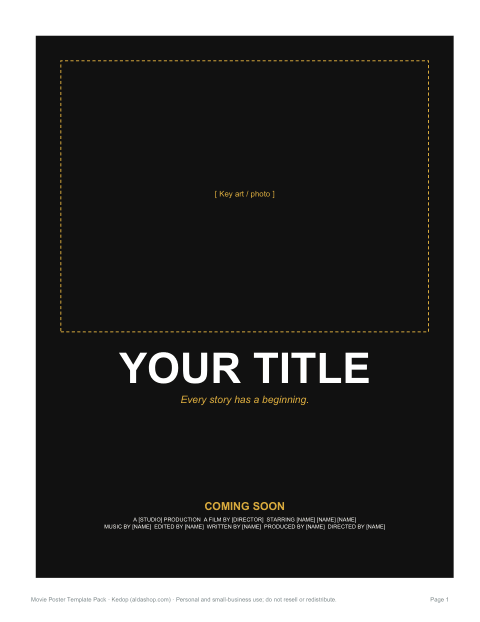
- Classic one-sheet — dark background, large key-art frame, bold title, tagline and credits block.
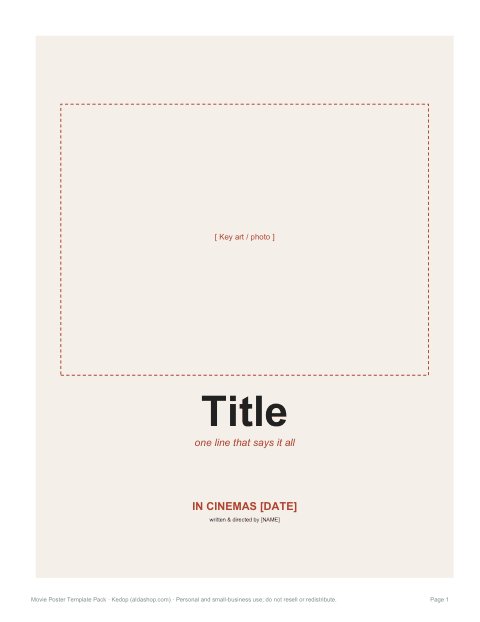
- Minimalist poster — light background, one picture and editable title, tagline, date and credits.
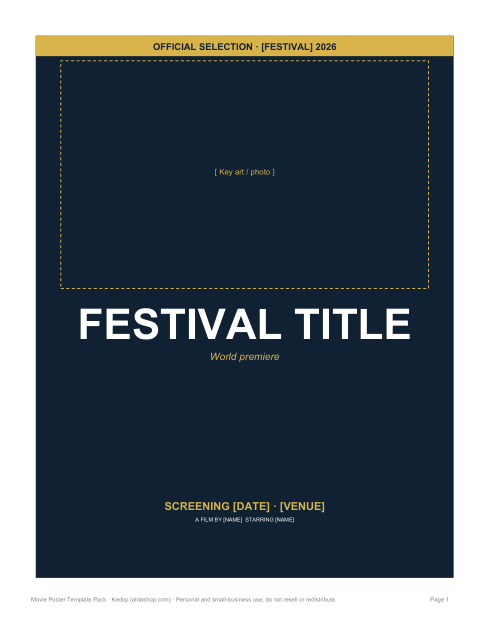
- Festival edition — editable selection and screening text. Example placeholders are not actual awards; remove claims that do not apply.
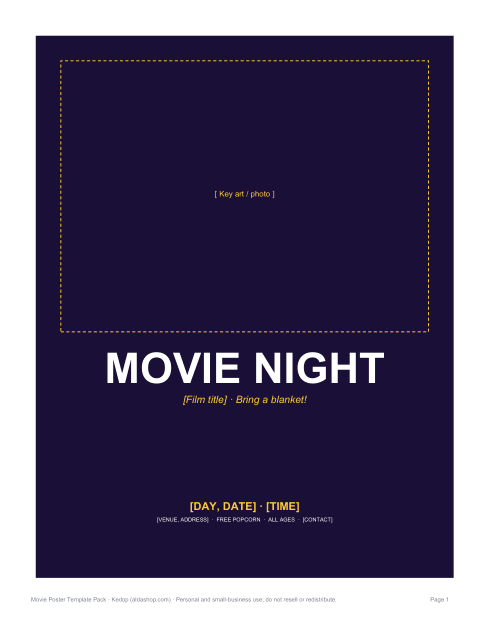
- Movie night flyer — date, time, place, snacks and film title for community or school events.
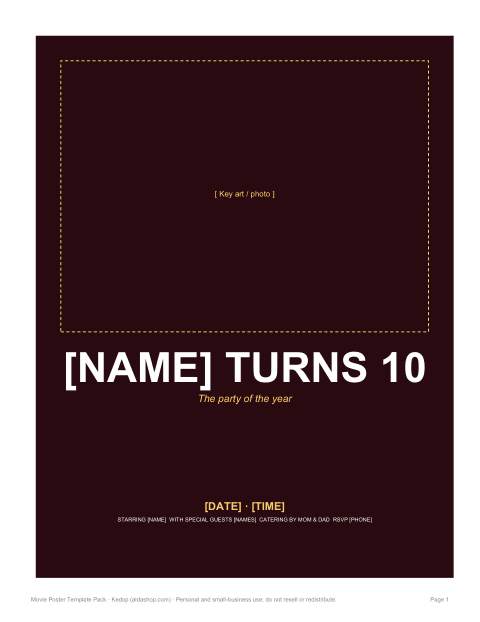
- “Starring you” birthday poster — the birthday person as the star, with party details in the credits block.
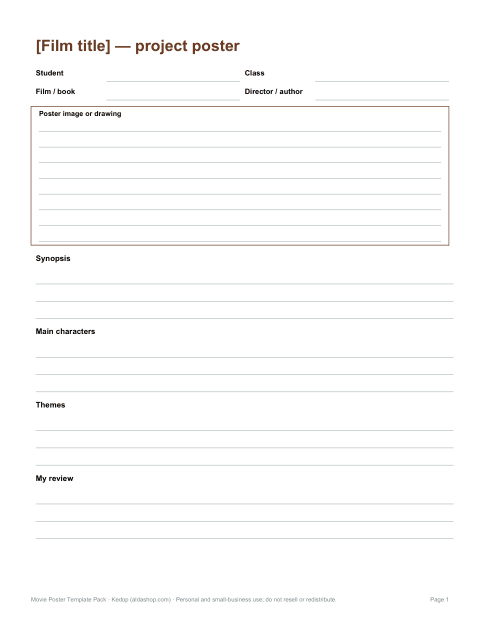
- School project poster — title, synopsis, characters, themes and a review section for book-to-film or media studies assignments.
- Credits worksheet — an editable cast and crew planning table, not a finished condensed billing graphic.
Anatomy of a movie poster
Theatrical posters follow conventions audiences recognise instantly. The key art — a striking image — takes up most of the space. The title is large and set in a typeface that signals the genre: heavy sans serif for action, elegant serif for drama, playful lettering for comedy. A short tagline sets the mood. The billing block at the bottom lists cast and crew in tall, condensed type. The release date or “coming soon” line sits near the bottom or top. The templates reproduce this structure so your poster reads as a movie poster at a glance.
Standard poster sizes
| Format | Size | Use |
|---|---|---|
| One-sheet (US theatrical) | 27 × 40 in | Cinema display |
| Tabloid / mini | 11 × 17 in | Printable on tabloid paper |
| Letter | 8.5 × 11 in | Home and school printing |
| A3 / A4 | 297 × 420 mm / 210 × 297 mm | International printing |
The included files are US Letter (8.5 × 11 in), not 27 × 40 in production files. Other sizes above are references. Ask your printer about aspect ratio, margins and image resolution before enlarging, and review a proof.
How to customise a template
- Open a DOCX in desktop Microsoft Word. Click its text to edit; the first five posters have editable table rows.
- Select and delete the sample picture, put the cursor in the top cell, then use Insert > Pictures. Keep its width at or below 6.8 inches and use a similar landscape aspect ratio.
- Replace the title, tagline, dates, credits and example claims. Delete optional text you do not need.
- Use Table Design shading to change background colors. Long text or tall pictures can add pages: shorten text, reduce font size or resize the picture.
- Review Print Preview and export to PDF. Test on Letter paper before ordering larger prints.
Ideas for using the posters
- Promote a student or community film screening.
- Present a book-to-film comparison or media studies project.
- Invite neighbours to an outdoor movie night.
- Turn a family holiday photo into a “coming soon” poster.
- Celebrate a birthday or graduation with the guest of honour as the star.
- Advertise a school play or drama production in movie-poster style.
Formats and fonts
The pack contains 7 one-page PDFs, 7 editable Word documents and README. The five themed posters use native Word text and a separate AI-generated sample picture. The school and credits worksheets use editable paragraphs and tables. PDFs are static samples or worksheets, not fillable forms. Tested in desktop Microsoft Word; Google Docs, LibreOffice and mobile editing have not been verified. Replace sample art with images you have permission to use.
A note on copyright
Studio posters, logos and film stills are protected by copyright and trademarks. For classroom work, personal parody or fan projects, keep your poster clearly your own creation, avoid copying studio artwork or logos, and do not sell posters that imitate a real film's branding. For events, check that your screening has the right public performance licence for the film you are showing.
Frequently asked questions
Can I print a large poster?
The supplied pages are US Letter. Larger printing needs a printer review of aspect ratio, margins and resolution; no 27 × 40 in production file is included.
Do the templates include images?
Yes. Five poster themes include AI-generated sample art, which you can replace in Word. The school and credits worksheets have blank areas.
Will they work in Google Docs?
Compatibility with Google Docs and LibreOffice has not been tested. Native editing and PDF export were tested in desktop Microsoft Word.
What is the billing block?
The dense credits text at the bottom of a movie poster listing cast, director, producers and studio.
Was AI used?
Yes, the layouts and text were drafted with AI assistance, then reviewed and formatted before publishing.